Helping Your Child Study With AI
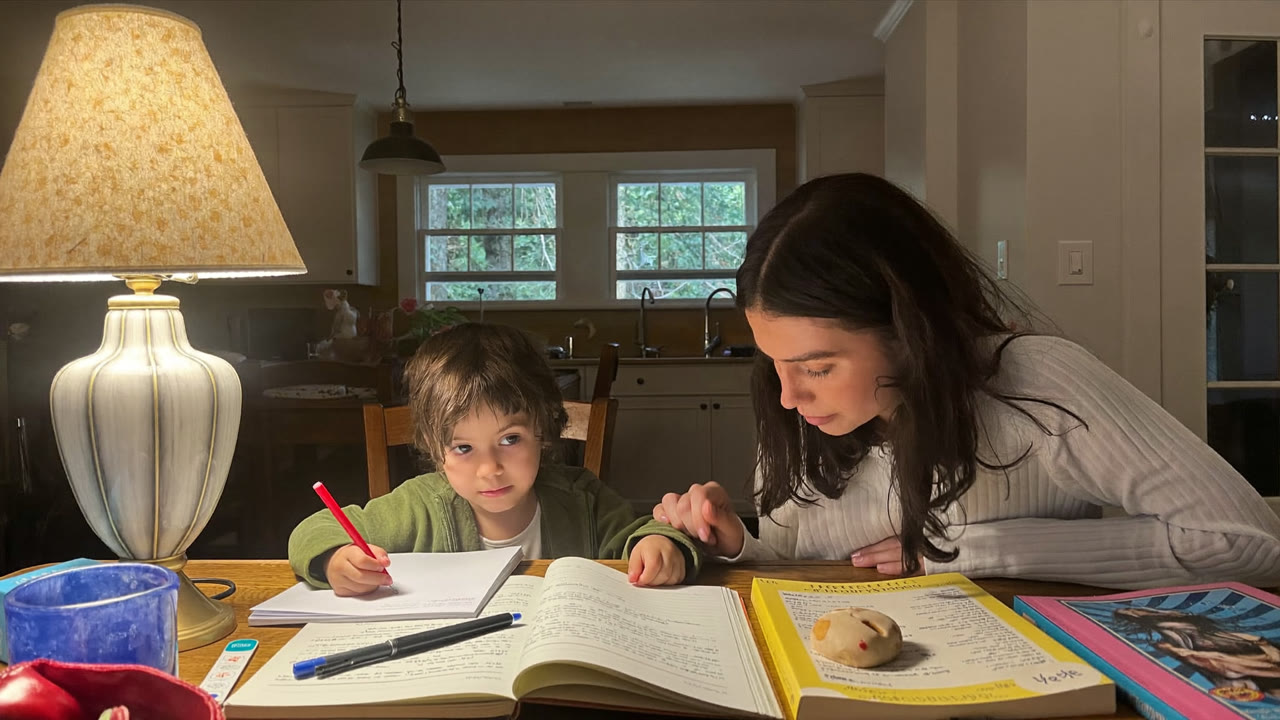
When your child says "I don't get this," have you ever frozen, not sure how to explain it?
Now you can ask AI and it explains things at your child's level and even makes practice questions. The key is using it so your child doesn't just copy the answers. Here's a safe way for parents. 👇
The quick version (30 seconds)
| If you need this | AI does this |
|---|---|
| 📖 Explaining a concept | at the child's level, simply |
| ✏️ Practice questions | made to their level |
| ❓ Why it's wrong | explains what went wrong |
| 📚 Reading & writing | a question & feedback helper |
Let's take them one at a time. 👇
📖 1. Explaining concepts simply
"Explain fractions so a 4th grader gets it" → it explains with examples at their level. Great for parents to read first and then pass on.
✏️ 2. Making practice questions
"Make 5 similar questions from this unit" → you get practice questions at the right level, with answers and worked solutions.
❓ 3. Pointing out why it's wrong
Show a question your child got wrong and "explain simply why it's wrong" → it puts a finger right on the key point.
💡 Ask for a HINT, not the answer. Say "give a hint, not the answer" or "help them solve it step by step themselves," and your child builds real thinking skills.
📚 4. Reading & writing helper
"5 questions to talk about this book with my child," "questions to help when they're stuck on a journal entry" are great too.
⚠️ Three cautions. ① AI can be wrong — parents, check it. ② Copying answers as-is means no real learning — lean on hints. ③ Never enter a child's personal info (name, school, photos). Younger children should use it with a parent.
Here are some prompts you can use right now. 👇
3 copy-paste prompts
1. Explain [concept] with simple examples so a [grade] child understands.
2. Make 5 practice questions from [unit]. Include answers and worked solutions.
3. (a question my child got wrong) Give only hints, not the answer, so they solve it themselves.
🧒 Ask by grade level and the explanation fits just right
Even the same concept lands differently when you name the grade.
- Younger (grades 1–3) — "Explain it so a 2nd grader gets it, with easy, picture-it examples."
- Older (grades 4–6) — "Explain the why behind it too, with real-life examples."
- Middle & high school — "Key concept + the common traps + 3 practice questions."
Whatever the grade, tack on "hints only, not the answer" and "guide them step by step so they solve it themselves" at the end. The moment it hands over the answer, the learning stops. And instead of "what did the AI say?", the best thing a parent can ask alongside is "what do you think?"
FAQ
Q. Can my child use it alone? The younger they are, the more they should use it with a parent. Guide them to use hints rather than copying.
Q. Are the explanations accurate? Usually good, but sometimes wrong. Check math and facts especially.
Q. Which AI is best? ChatGPT and Claude both work. Saying "at a [grade]-grader's level" makes it much simpler.
Read next
- 👉 Double your exam-study efficiency with AI — summaries, memorizing, mock questions
- 👉 AI for teachers — cut your lesson-prep time
Hashtags: #kidseducation #studyhelp #parenting #AIforlearning #homeschool