The 2026 AI Tool Map — Sorted Into 6 Core Categories
New AI tools pour out every week. But honestly, you don't need to know them all.
The "work" you do splits into six broad buckets. Grab the single strongest tool in each and you're set. We'll walk through those six categories — and
by the end, exactly how many you actually need falls right out. (For most people, three is plenty.)
First, the map of 6 categories
| # | Category | When you do this | Top tools |
|---|---|---|---|
| 1 | ✍️ Writing | Email, reports, prose | ChatGPT · Claude |
| 2 | 🔍 Research | Finding and organizing info | Perplexity · Gemini · NotebookLM |
| 3 | 🎨 Image | Thumbnails, social images | Canva AI · DALL·E |
| 4 | 💻 Coding | Dev, automation scripts | GitHub Copilot · Cursor |
| 5 | 🎬 Media | Slides, narration | Gamma · ElevenLabs |
| 6 | ⚙️ Automation | Killing repetitive work | Zapier · Make |
Let's go down one by one. But first, a question — how many of these do you use right now? Zero is fine. You'll pick them up one at a time below. 👇
✍️ 1. Writing — start here
If you're new to AI, start here, no question. It's the area that saves you the most time, most often.
ChatGPT — the safe pick. An all-rounder that does email, summaries and ideas — nothing it can't handle. You can't go wrong with it as your first tool.
Claude — but if "writing quality" matters? Many say Claude is a notch above on reports, proposals and long documents. (DataCamp)
💡 Just nailing writing alone visibly cuts your work hours.
…but to write, you first need material. So next up is search. 👇
🔍 2. Research — "faster than Google" research
Regular search throws a pile of links at you and stops. AI search gives you an organized answer. Three tools split this space —
Perplexity — attaches source links to its answers. Best when "where did this come from?" matters.
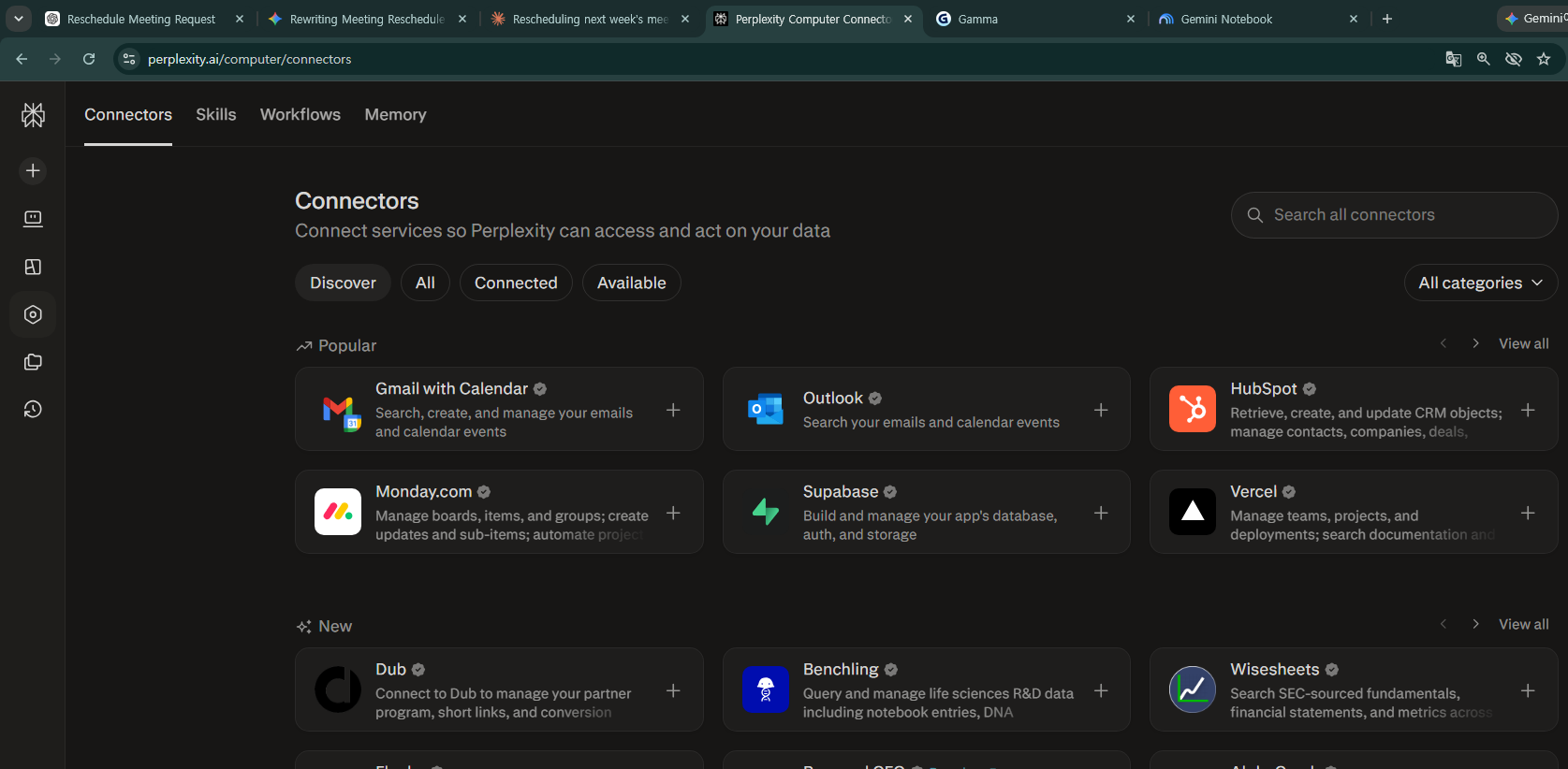
Gemini — tied into Google Search, Gmail and Docs, it's powerful for people who work inside Google.
NotebookLM — here's the twist. Feed it 50 of your own documents and it answers only from within them — completely free. Rated one of the best free tools of 2026. (saner.ai)
💡 All three start free. Combine them well and research time halves.
Found your material, wrote your piece — but there's no image? Image is next. 👇
🎨 3. Image — you don't have to draw
Blog thumbnails, social images, product-page art. Now you just describe it in words and it appears.
Canva AI — design templates + AI generation in one place. Easiest for non-designers. DALL·E — built into ChatGPT; generate images right in the conversation.
💡 If you've wondered "should I outsource design?", try here first.
That's the three categories most professionals use. But go a little deeper and something far more powerful shows up. 👇
💻 4. Coding — useful even if you're not a developer
"But I don't code," you might think — yet Excel macros and simple automation scripts count too.
GitHub Copilot — an AI that writes code for you. A developer must-have. Cursor — a code editor with AI baked all the way in. Even beginners can start with "build me this."
💡 Even without dev work, "write me code to automate this Excel task" is something anyone can use.
Made it to code? Now you're in big time-saver territory. Slides and video. 👇
🎬 5. Media — slides and content in a minute
Gamma — give it a topic and a slide count and it produces a full deck in a minute. It wipes out slide-prep time entirely. ElevenLabs — turns text into a truly human-sounding voice. Perfect for YouTube narration and audio content.
💡 If you present often, Gamma alone cuts down the late nights.
Now, the last one. If everything so far was "how to work faster" — this is how to erase the work itself. 👇
⚙️ 6. Automation — erase repetitive work entirely
Saved for last, but it saves the most time of any category.
Zapier / Make — "when mail arrives → log it to a spreadsheet," "when a form is submitted → send an alert." They run repetitive tasks automatically, no coding.
💡 If there's a simple repetition you do by hand every time, that's your automation candidate.
So, where to start? (just 3 steps)
You absolutely don't need all six at once.
- Step 1 — get a feel with one ✍️ writing tool (ChatGPT)
- Step 2 — add one category that fits your work (research = Perplexity / slides = Gamma)
- Step 3 — once comfortable, save time with ⚙️ automation
What you need is about three, in the end. Start with Step 1 today.
Your best free combo (3 sets by role)
We said you don't need all six. Just three free tools per role is plenty to start.
| If you're a... | Free 3-tool combo |
|---|---|
| 🧑💼 office worker | ChatGPT (writing) + Perplexity (research) + Gamma (slides) |
| 🏪 small business owner | ChatGPT (copy) + Canva AI (images) + Gemini (Google work) |
| 🎨 creator | ChatGPT (scripts) + Canva AI (thumbnails) + ElevenLabs (voice) |
💡 All three start free. Once you're used to them, pay for just the one you hit walls with most often.
FAQ
Q. Are they all paid? No. ChatGPT, Gemini, Perplexity, NotebookLM and Gamma can all start free.
Q. If I pick just one? ChatGPT. The most versatile, so you can't go wrong.
Q. Safe to feed company files? Be careful with sensitive data — especially on free plans.
Read next
- 👉 ChatGPT vs Gemini vs Claude — which one should you pay for?
- 👉 The 30-minute AI starter guide for beginners
Hashtags: #AItools #ChatGPT #Perplexity #NotebookLM #Gamma #productivity #2026AI