AI Video Generators — Runway, Kling, Sora, Luma: Which One Wins?
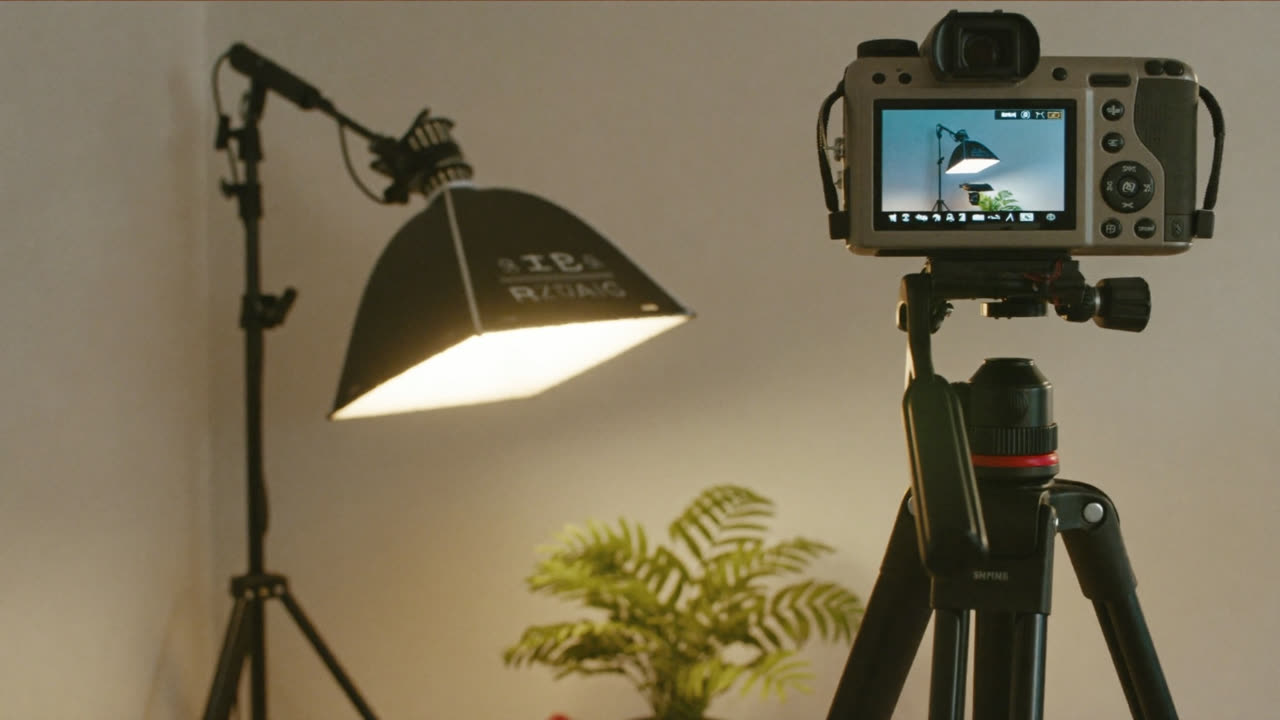
"I dropped in a single photo, and it turned into a moving video."
A few years ago that felt like magic. Today you can do it for free. The catch? There are just too many tools. So we've split the four big names by what they're actually good for. Stick around to the end and you'll know exactly which one to try first. 👇
The verdict first (30-second version)
| If you're in this situation | Your answer |
|---|---|
| 💸 Want to practice every day for free | 🎬 Kling AI (daily free credits) |
| 🎞️ Need ad- or edit-grade quality | 🎥 Runway |
| 🤖 Already use ChatGPT | 🌀 Sora (right inside ChatGPT) |
| 📸 Want to bring a photo to life | ✨ Luma (Dream Machine) |
Curious what actually sets them apart? Keep scrolling. 👇
How they differ (one line each)
- Runway — The headliner of AI video. Strong editing tools too, so the finished quality is excellent.
- Kling AI — Hands you free credits every day, so you can practice without a second thought.
- Sora — OpenAI's video generator. You use it right inside ChatGPT.
- Luma — Turns a single photo into natural-looking video. Easy for beginners.
Now, one by one — when to reach for each. Let's start with the best one for free practice. 👇
🎬 Kling AI — Practice for free, every day
Its biggest draw is free credits every day. No money worries, so you can crank out a few clips daily and build your instincts.
- 👍 Free daily, high-quality output / 👎 So popular there's sometimes a wait
- Start here: klingai.com — sign up and dive in with your free credits
💡 If this is your first AI video, warm up with Kling. Even your flops cost you nothing.
Want to bump the quality up a level? 👇
🎥 Runway — When quality matters
For ads or YouTube intros where the polish of the final cut counts, Runway is the pick. Generation, editing, and touch-ups all live in one place.
- 👍 High quality plus editing tools / 👎 Free credits burn through fast
- Start here: runwayml.com — get a feel with the free trial, go paid if you use it often
💡 If the work has to "show up as a finished result," go Runway. Test it free first.
Already paying for ChatGPT? 👇
🌀 Sora — Right inside ChatGPT
This is OpenAI's video tool. Because it runs inside ChatGPT Plus/Pro, if you're already subscribed you don't have to switch apps at all.
- 👍 The ChatGPT ecosystem, plus convenience / 👎 No separate free tier (paid required)
- Start here: sora.com (OpenAI account)
💡 If you want images, text, and video all wrapped up in one account, Sora is the easy call.
Last one — want to make a photo move? 👇
✨ Luma (Dream Machine) — Turn a photo into video
Feed it a single photo and it turns it into naturally moving video. Intuitive enough for a first try.
- 👍 Easy, photo → video / 👎 The tools above win on precise, directed shots
- Start here: lumalabs.ai
💡 Perfect when you want a travel snap or a product shot to come alive.
You've seen all four — so let's settle the money question. 👇
How far does free get you? (as of 2026-08)
| Tool | Free | Starting price |
|---|---|---|
| Kling AI | ✅ Free credits daily | $10~ |
| Runway | ✅ Trial credits | Paid plan |
| Luma | ✅ Free tier | Paid plan |
| Sora | ❌ (paid ChatGPT) | ChatGPT Plus |
Credits and pricing change often. Check the latest on each official page.
💡 Suggested order: Kling (free practice) → expand to Runway/Luma if you like it → Sora if you're a ChatGPT user.
Here are some prompts so you can put it to work right away. 👇
3 copy-paste prompts
1. (attach a photo) Turn this photo into a 5-second video. Feel like the camera slowly pushes in.
2. From text: "A beach at sunset, gentle waves rolling in, a single gull in flight." Make it cinematic.
3. Turn a product photo into a short ad clip spinning 360 degrees. Clean white background.
🎬 Prompt tricks that cut down on flops
AI video breaks the moment you get greedy. Just follow these and your hit rate jumps.
- Start short (3–5 seconds) — the longer the clip, the weirder it gets. Generate short pieces and stitch them together.
- Specify the camera move — one motion at a time, like "slowly zoom in" or "pan left."
- One scene = one action — steer clear of scenes where several things happen at once.
- Photo → video is the most reliable — hand it one photo with the framing you want and say "make it move naturally."
Scenes with lots of hands and faces still tend to break. Landscapes, objects, and products have a much higher success rate.
FAQ
Q. Can I really use it completely free? Yes. Kling, Runway, and Luma all start free. Make a lot and you'll go paid.
Q. Can I use it commercially? It varies by tool and plan. For ads or revenue, always check each service's official terms.
Q. What should a beginner start with? Practice with Kling (free) → to make a photo move, Luma is the easiest.
Read next
Hashtags: #AIvideo #Runway #KlingAI #Sora #Luma #videogeneration