AI Voice & Dubbing — Make a Truly Human Voice with ElevenLabs
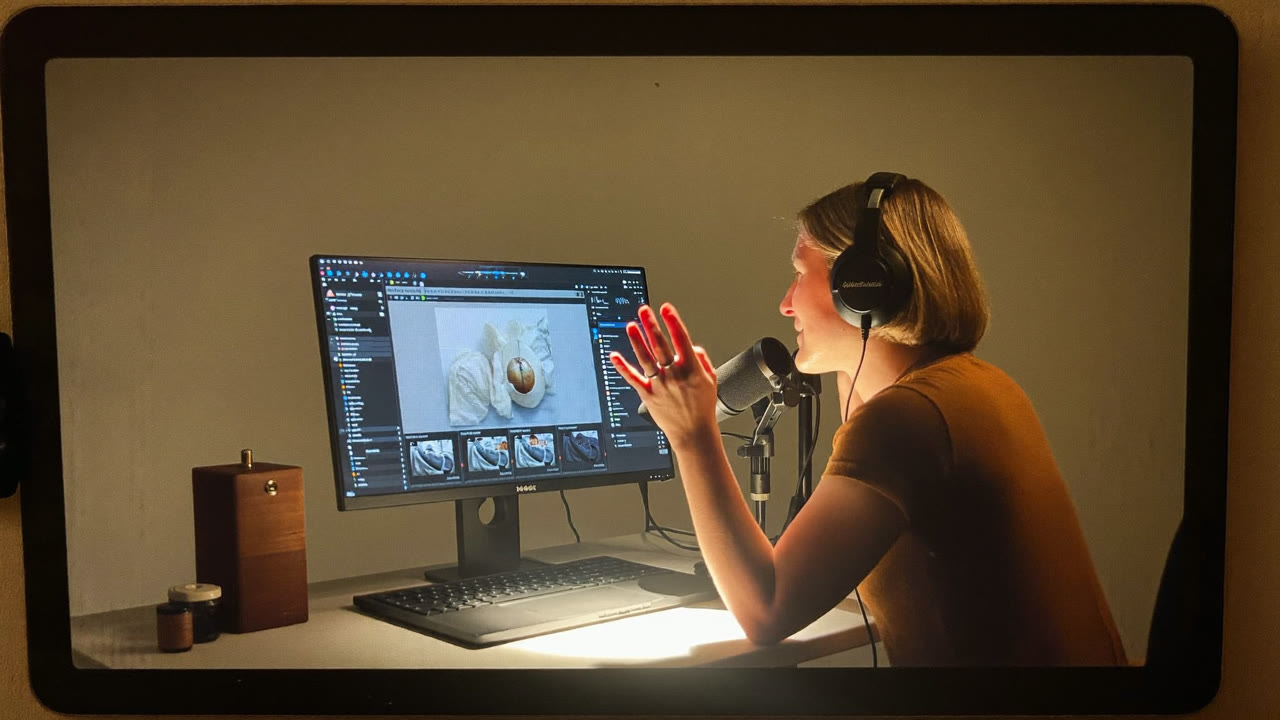
Does your YouTube narration really have to be recorded in your own voice?
Nope. Just type the text and a human-like voice reads it for you — with natural pronunciation, real emotion, even multilingual dubbing. Here's how to put the leading tool, ElevenLabs, to work. 👇
The bottom line (30-second version)
| If you need this | With ElevenLabs |
|---|---|
| 🎬 YouTube/Shorts narration | A script, no recording |
| 📖 Audiobooks / reading text aloud | Even long text sounds natural |
| 🌐 Multilingual dubbing for video | Translate while keeping the voice |
| 📢 Announcements / IVR voice | Clean, polished prompts |
Want the "how?" Keep scrolling. 👇
What ElevenLabs is (in one sentence)
An AI that reads text aloud in a genuinely human-sounding voice.
Unlike the robotic TTS of the past, the intonation, breathing, and emotion feel natural. It handles many languages well. Now let's look at what you can build. 👇
How people use it (real-world jobs)
🎬 Content
- YouTube/Shorts narration (run a channel with no face or voice on camera)
- Explainers for informational videos
📖 Reading aloud
- Audiobooks, turning blog posts into audio
- "Listen" to a document to review it when your eyes are tired
🌐 Dubbing & multilingual
- Dub your own video into another language (keeping the voice tone)
- Foreign-language guidance and prompts
💡 Use it any time you need a voice but recording is a hassle.
Making one is simple. 👇
Make it in 3 steps
- Go to elevenlabs.io → sign up (start free)
- Pick a voice + enter your text — choose a voice in the tone you want and paste your script
- Generate → download → drop it into your video editor
💡 Placing commas and periods properly at the end of sentences makes the breathing sound much more natural.
Let's be clear about cost and cautions. 👇
How far the free tier goes + ⚠️ Cautions
- Free: A set number of characters each month is free. Heavy use goes paid. (As of 2026-08; check elevenlabs.io for the latest.)
- ⚠️ Commercial use: Revenue use (YouTube ads, etc.) is often allowed only on paid plans, so check the terms.
- ⚠️ No voice theft: Don't clone someone else's voice (family, a celebrity) without consent. It becomes a legal and ethical problem.
💡 For hobby and personal use, free is plenty. For revenue or someone else's voice, always confirm the terms and get consent — just follow that one rule.
Here are some ready-to-use examples. 👇
3 copy-and-paste examples
1. [Tone] Calm, informative, male. [Script] Today I'll introduce 3 AI tools. The first is...
2. [Tone] Bright and friendly, female. [Script] Hi there! Thanks so much for stopping by our shop.
3. [Use] Audiobook. [Script] (paste your entire blog post) — read it clearly and steadily
🎧 3 tricks for a more natural voice
Polish the same script like this and it sounds far more human.
- Breathe with punctuation — commas, periods, and line breaks tell it where to pause. Break up long sentences.
- Direct the reading tone — pick a tone like "calm / bright / crisp and clear" to shape the voice.
- Spell out numbers and abbreviations — writing "three kilograms" instead of "3kg," or "A.I." instead of "AI," gets you cleaner pronunciation.
Generating a few short takes and picking the most natural one beats rendering one long clip in a single pass.
FAQ
Q. Does it sound natural in other languages? Yes, narration in many languages works well. You can adjust tone and speed.
Q. Can I use it on YouTube? Personal/hobby is generally fine; for monetization, a paid plan plus a terms check is the safe route.
Q. Can I clone my own voice? Your own voice is fine (with consent). Cloning someone else's voice without permission is not allowed.
Read next
- 👉 Making Video with AI — Runway, Kling, Sora, Luma
- 👉 Making Music with AI — Your Own Song in 3 Minutes with Suno
Hashtags: #AIVoice #ElevenLabs #Dubbing #Narration #YouTube