Make an AI Profile Photo
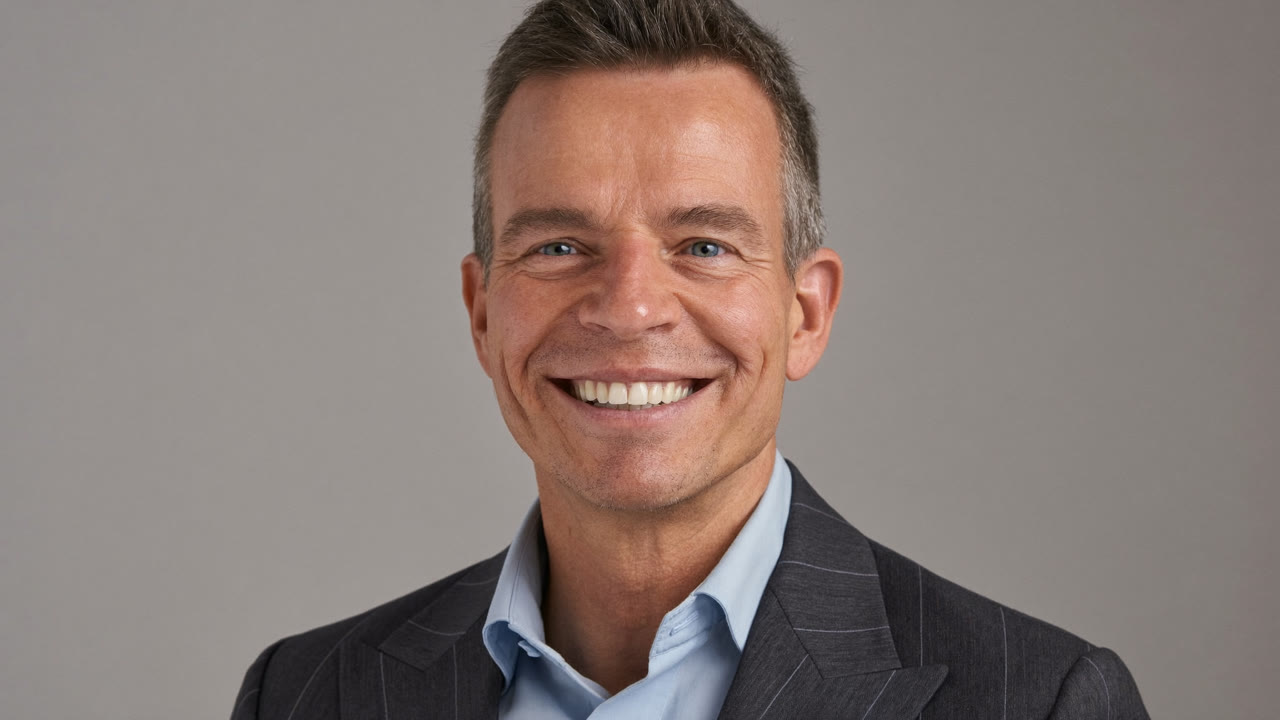
A photo for your résumé, a profile picture for social media — going to a photo studio is such a hassle, right?
Now you just upload a few selfies from home and AI turns them into a suited-up profile. Perfect for LinkedIn, résumés, and social media. Here's how to do it — easily. 👇
The verdict first (30-second version)
| When you need this | AI does this |
|---|---|
| 💼 Résumé, LinkedIn | Into a suited-up profile |
| 🪪 ID photo | White background, correct size |
| 📱 Social profile | With a stylish background |
| 👕 Change clothes, background | Face stays the same |
Let's look at each one, nice and simple. 👇
📸 What you can do — 4 things
1. Suited-up profile — even from a casual selfie, it turns you into a clean suit look. For résumés and LinkedIn.
2. ID photo — a neat expression on a white background, tidied into a correctly sized photo.
3. Social profile — it can give you a stylish mood with a café or outdoor background.
4. Change just the background or clothes — it keeps your face and swaps only the background or outfit.
💡 Tips for good selfies. ① In a bright spot ② face clear and sharp ③ 3–5 shots from different angles. The better your source photos, the more natural the result.
🖐️ How to do it (3 steps)
- Take several selfies in a bright spot
- Upload them to an AI profile-photo tool
- Pick a "suit / ID photo / stylish" style and save the result
⚠️ Careful — it can differ slightly from real life. The face AI makes can come out a little different from the real you. For ID photos, passports, and other official documents, the rules may require a real photo — always check. And don't upload other people's photos without their consent.
Here's some wording you can use right away. 👇
3 copy-paste prompts
1. (upload selfie) Make this into a résumé profile — clean suit, light gray background.
2. (upload selfie) ID-photo style — white background, neat expression.
3. (upload selfie) Keep my face the same, natural social profile with a café background.
📷 5 selfie prep tips that make results way better
The better your source photos, the more natural the result. Just follow these before you upload.
- Bright natural light — a window during the day is best. Too dark and your face turns mushy.
- Front-on plus slight side angles — 3 to 5 shots from different angles.
- Don't cover your face — no bangs over the eyes, masks, or dark sunglasses.
- Keep the background simple — skip anything cluttered.
- Your everyday expression — a natural look resembles you more than a stiff, forced one.
Prompt tip: the more specific you are about background, clothing, and framing — like "light gray background, navy suit, natural smile, head and shoulders" — the closer you get to the look you want. ⚠️ For official documents like passports and IDs, only a real photo may be accepted, so always check.
FAQ
Q. Is it free? Lots of tools have a free trial. High resolution or many photos can cost money.
Q. Does it really look like me? Mostly, but it can differ a little. Make several and pick the best.
Q. Can I use it as an official ID photo? Rules vary by office. Passports and IDs may require a real photo, so check first.
Read next
- 👉 AI Image Tools Compared — Midjourney · Leonardo · DALL·E · Nano Banana
- 👉 Restore Faded Old Photos with AI
Hashtags: #profilephoto #idphoto #AIphoto #usingAI #LinkedIn