Start a YouTube Channel with AI — Do It All Yourself
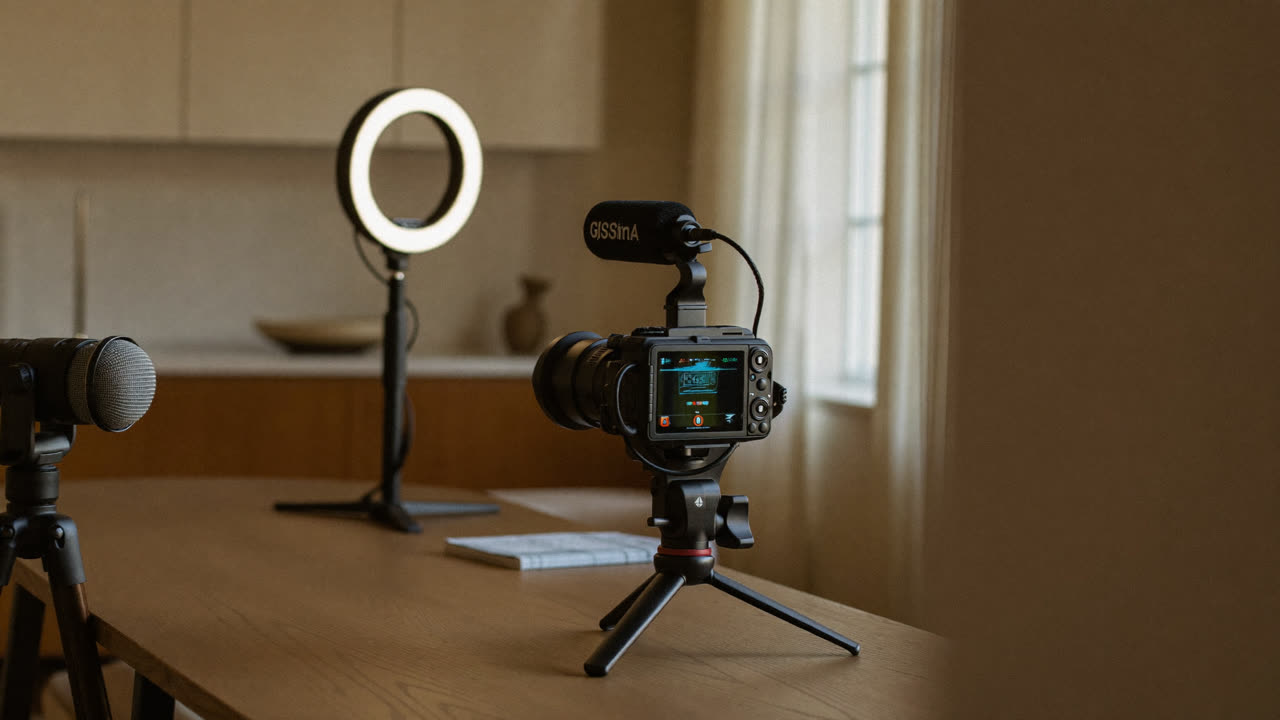
"I want to start a YouTube channel, but I don't know how to edit, and putting my face on camera feels like too much…"
That excuse ends today. AI helps you with everything from planning to editing. You can start with no face and no voice. Here's the whole thing as a step-by-step workflow. 👇
The bottom line (30-second version)
| Step | How AI does it |
|---|---|
| 💡 Topic & planning | Pull ideas and titles with ChatGPT |
| 📝 Script | Generate a draft, hook and structure included |
| 🖼️ Thumbnail & visuals | Create them with AI images |
| 🎙️ Voice | Narration with ElevenLabs |
| ✂️ Editing & captions | Auto-caption and cut-editing tools |
Let's take them one at a time. 👇
💡 1. Topic & planning
Ask AI for "10 topics with low competition but real demand for starting a YouTube channel about [your field], plus titles." That daunting first step suddenly clears up.
📝 2. Script
Once you've picked a topic, get a script draft built as hook (first 15 seconds) · body · wrap-up. It helps to add conditions like "natural and conversational, about 3 minutes long."
💡 Use AI for the draft only. Mix in your own experience and way of talking to make it feel human.
🖼️ 3. Thumbnail & on-screen images
Use an AI image tool to make thumbnail backgrounds and explainer images. A click-worthy thumbnail is half your views.
🎙️ 4. Voice (no face, no voice)
Drop your script into a tool like ElevenLabs and it reads it out in a human-like voice. Narration done, without recording your own voice.
✂️ 5. Editing & captions
AI editing tools add captions automatically and cut out the boring parts. Even if you know nothing about editing, you'll cover the basics.
💡 Just remember two things — ① Copyright (don't grab other people's video, music, or images; use only what's cleared for commercial use) ② Consistency (AI only helps with speed; posting regularly is the real skill).
Here's the whole flow left as prompts. 👇
4 copy-and-paste prompts
1. (Planning) 10 topic ideas for a [your field] YouTube channel + a title for each. Low competition, real search demand.
2. (Script) A 3-minute script on the topic "___". Strong hook in the first 15 seconds, natural and conversational.
3. (Thumbnail copy) 5 short, punchy phrases to put on this video's thumbnail.
4. (Description & tags) A YouTube description for this video plus 10 hashtags.
When you're stuck — your first 10 videos
Made the channel but not sure what to post? Ask AI like this.
10 beginner-friendly video ideas for a [your channel topic] channel.
For each, give the title, a 3-line summary, and estimated length — in a table.
- Start with the easy ones — one at a time, consistently is the key
- Turn topics that get a good response into a series
💡 A steady 10 videos grow a channel more than one perfect one.
FAQ
Q. Can you really do it with no face? Yes. AI voice + images and stock visuals + captions gets you a full "faceless channel."
Q. Does it cost money? You can start for free; advanced voice and image features are partly paid.
Q. Can AI-voice videos be monetized? They can. But the material has to be your own (or properly licensed), and plain copy-paste videos may be restricted.
Read next
- 👉 AI Voice & Dubbing — Make a Truly Human Voice with ElevenLabs
- 👉 Reels & Shorts — Mass-Produce Them with AI
Hashtags: #YouTube #VideoProduction #AITools #SideHustle #StartYouTube